How to check your session cookie: HttpOnly, Secure, SameSite
Your session cookie is the user's pass into your site. Three attributes on the Set-Cookie line decide whether a stray script, a plain connection or another site can use it, and you can check them in five minutes.
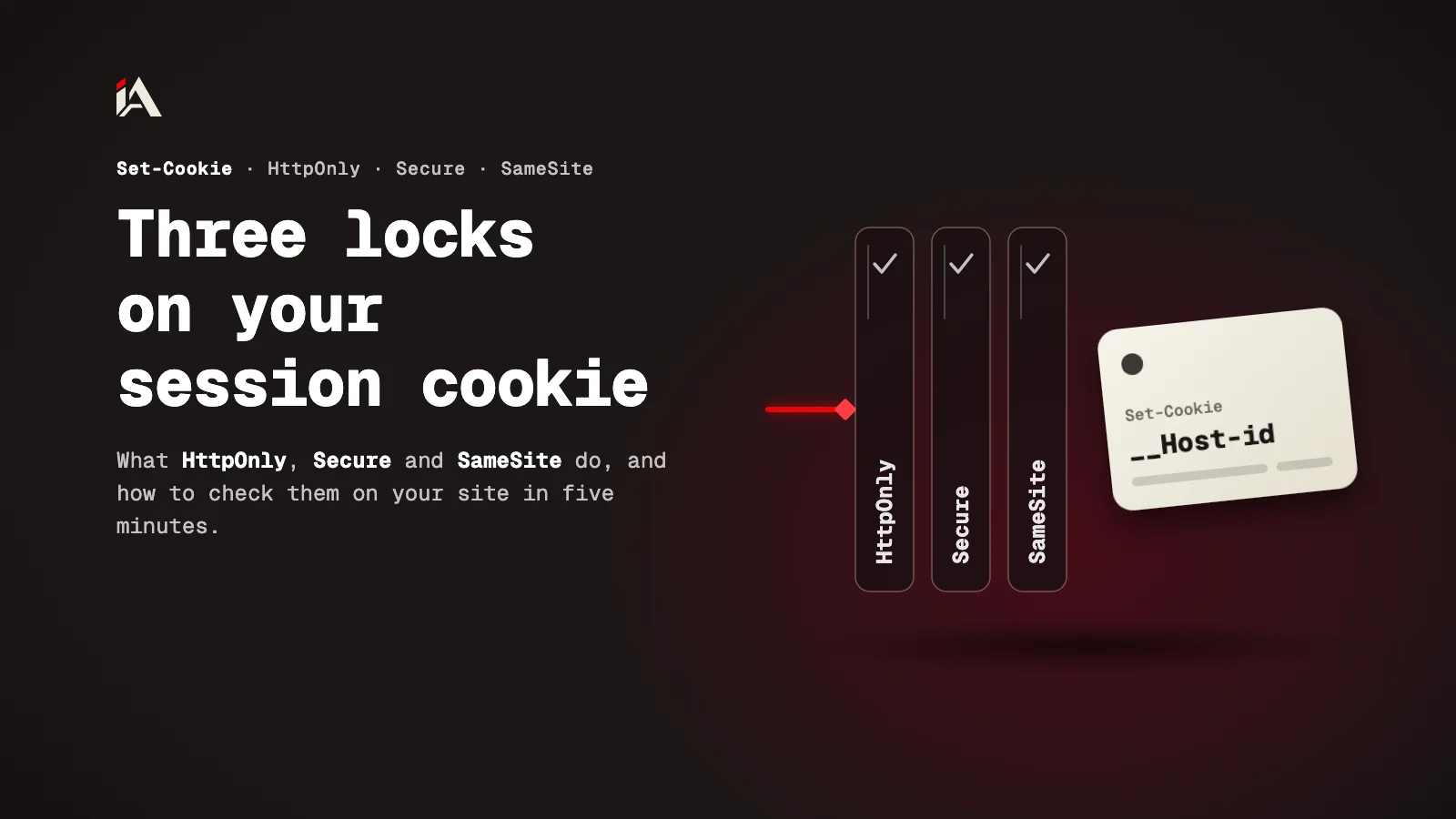
One missing line in a server response, one small script that finds its way onto your page, and a stranger now holds the admin's session. Here is what three attributes do on a session cookie, and how to check your own site's cookie now.
What is a session cookie, and why check it?
A session cookie is a small value the server puts in the user's browser after login, and the browser sends it back with every request so the server knows who it is. It works like an entry pass: whoever holds the pass gets in.
The server sets the cookie with a Set-Cookie line in its response, and the cookie's attributes go on the same line. Three of them decide who other than the user can reach the pass: HttpOnly, Secure and SameSite.
Each attribute closes one door. If one is missing, its door stays open even when the other two are set.
What does HttpOnly do?
HttpOnly stops JavaScript on the page from reading the cookie. That closes the door used by the best-known attack on sessions: an XSS flaw lets a foreign script run on your page, and the script reads the cookie and sends it out.
According to MDN's Set-Cookie reference, a cookie with HttpOnly does not show up in document.cookie, but the browser still sends it with requests that JavaScript makes, such as fetch(). So the foreign script cannot steal the pass, but it can still use it while it runs on your page. HttpOnly limits the damage of XSS without removing it, and the real fix is closing the flaw itself, like the XSS flaw in Vue I18n we wrote about.
What does Secure do?
Secure tells the browser to send the cookie over HTTPS only. Without it, any request over plain HTTP carries the pass in the open for anyone on the same network.
Many people think moving the whole site to HTTPS makes it unnecessary. OWASP's Session Management Cheat Sheet says the opposite: forcing HTTPS alone is not enough, because a browser can be tricked into sending the cookie over HTTP if it lacks Secure.
What does SameSite do, and which value should you pick?
SameSite decides whether the browser sends the cookie with a request that comes from another site. That is the door CSRF uses: a foreign site makes the user's browser send a request to your site, and the browser attaches the pass to it.
Value | When the cookie is sent |
|---|---|
Strict | Only with requests from the same site |
Lax | From the same site, and from another site only when the user navigates to your page with a safe method such as GET (not POST) |
None | With every request, and it must have Secure too |
OWASP prefers Strict for the session cookie, with Lax as the alternative. It warns against None without Secure, and against leaving the value for the browser to decide. Even with SameSite, a CSRF token is still needed: SameSite is an extra layer on top of it.
How do you lock the cookie to your exact domain?
You lock it by leaving out Domain entirely and naming it with the __Host- prefix. Without Domain, the cookie goes back only to the host that set it, not to its subdomains. If you set Domain, every subdomain gets it, so a forgotten page on a subdomain becomes a way into your main site's sessions.
The __Host- prefix makes the browser enforce that lock itself: a cookie whose name starts with it must have Secure, be set from an HTTPS page, have no Domain, and have its Path set to /. OWASP recommends it for the session cookie, and also recommends a generic name such as id instead of the framework's default name (PHPSESSID, for example), because the default name reveals what you run.
This is what the line looks like when everything is in place:
Set-Cookie: __Host-id=a3f9c2; Path=/; Secure; HttpOnly; SameSite=LaxHow do you check your site's cookie in five minutes?
You check it in the browser's developer tools, or with one curl command. Both show you the same thing, so pick the one that is easier for you.
Log in to your site in Chrome and open DevTools.
Go to Application, then Storage, then Cookies, and pick your site's origin. This is how the Cookies page in the Chrome DevTools docs describes it.
Find the session cookie and look at its HttpOnly, Secure, SameSite and Domain columns. You should see a tick in the first two, and Strict or Lax in SameSite.
If you want to see the line as the server sends it, request the login page with curl and look at the Set-Cookie lines:
curl -s -o /dev/null -D - https://example.com/login | grep -i set-cookieReplace the URL with your own login page. If the page only sets the cookie after you submit the form, use DevTools instead.
Where do you start now?
Start with the session cookie alone, not every cookie on the site. Open it in DevTools, and if it lacks HttpOnly, Secure or SameSite, add them in your framework's session settings, then consider the __Host- prefix.
If you want someone to test your platform's sessions the way an attacker would, from the cookie to logout, that is what Muhassan does. All our security articles are in one place: App security.
FAQ
If my whole site is on HTTPS, do I still need Secure?
Yes. According to OWASP, forcing HTTPS alone is not enough, because a browser can be tricked into sending a cookie without Secure over a plain HTTP connection.
Does HttpOnly protect me from CSRF?
No. HttpOnly stops scripts from reading the cookie, but the browser still sends it with requests. For CSRF you need SameSite and a CSRF token, and OWASP treats SameSite as an extra layer, not a replacement for the token.
What happens if I don't set SameSite?
It depends on the browser. According to MDN, some browsers use Lax when it is not set, and OWASP says not to rely on that default and to set it yourself on the session cookie.
Is deleting the cookie on logout enough?
No. OWASP says deleting the cookie does not invalidate a stolen copy of it. The session has to end on the server too.