WordPress 7.1.4 security release: what it fixes and how to check
WordPress 7.1.4 fixes a weakness in the upgrade process that can lead to remote code execution, plus stored XSS issues in blocks and the Interactivity API. Update now and check your version.
If you run a WordPress site, there is a new security release, WordPress 7.1.4, out on October 28, 2026, and WordPress recommends updating your sites immediately. Here is what it fixes and how to check that your site has it.
What does WordPress 7.1.4 fix?
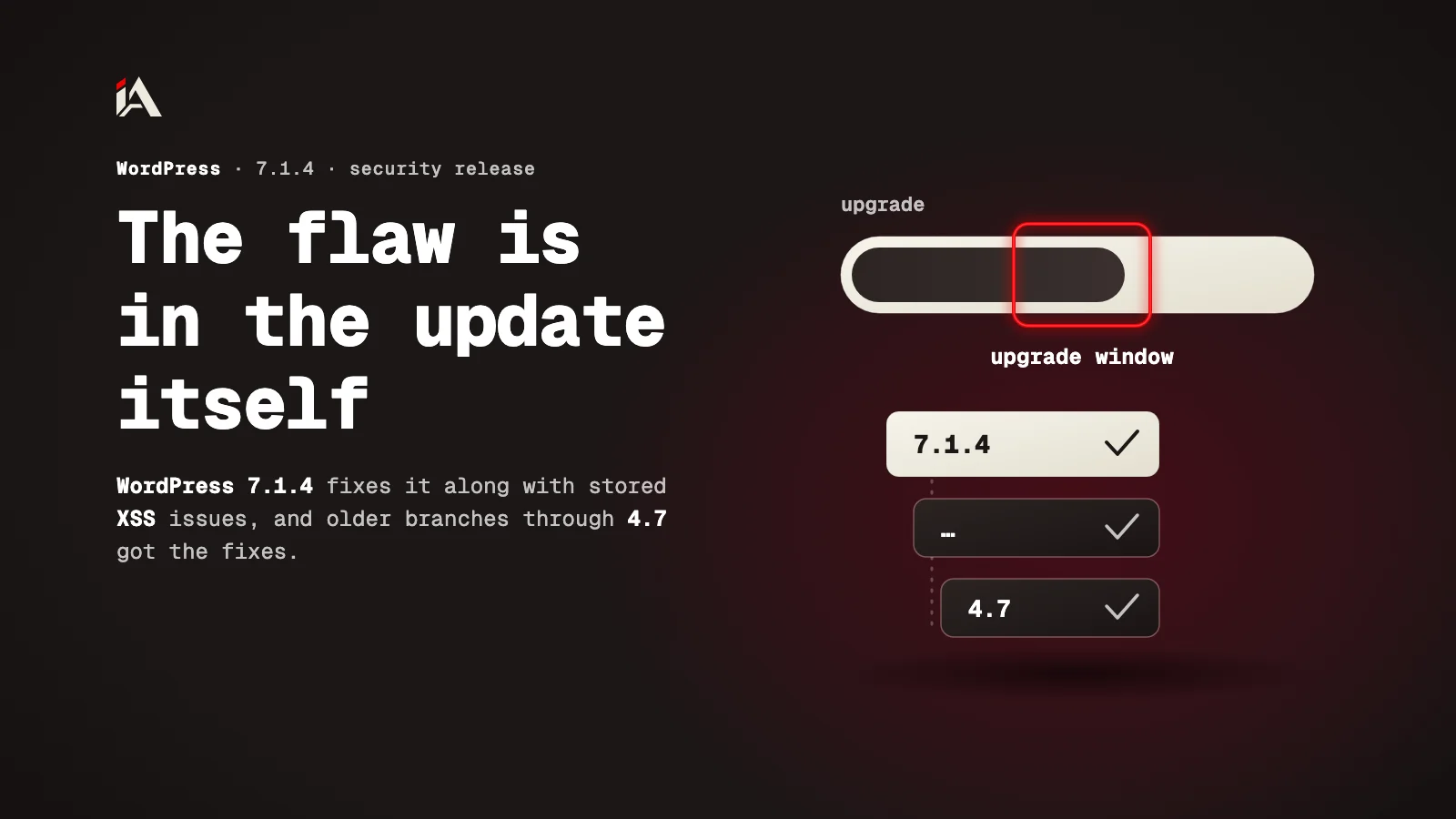
WordPress 7.1.4 is a security release that fixes a set of flaws in WordPress core. The most serious is a weakness in the upgrade process itself that can lead to remote code execution during the upgrade window.
These are the issues, according to the release notes:
A weakness in the WordPress upgrade process that can lead to remote code execution during the upgrade window.
Stored XSS in several places: specially crafted block markup, Privacy Data Removal Requests, the Interactivity API, Customizer selective refresh, the Categories block, specially crafted user logins, the Playlist and image blocks, and the comments pagination blocks.
A stored denial of service issue in the Interactivity API.
Unpublished Customizer changesets that unauthenticated users can discover.
Notes that privileged users can read even when they cannot edit the post the note is attached to.
On top of the fixes, the update changes the root certificates bundled with WordPress because of the eMudhra revocation. For the background on eMudhra, see our article on the eMudhra certificates and MongoDB Compass.
What is stored XSS?
Stored XSS is JavaScript that gets saved on your site (in a block, a user name or a request) and runs in the browser of anyone who opens the page that shows it.
The risk is that the code runs in the session of whoever opens the page. If a site admin opens it, the code can do what the admin can do from that browser. That is why stored XSS in blocks and user names matters for any site where more than one person writes or signs up.
Will my site update on its own?
A WordPress site gets 7.1.4 on its own if it supports automatic background updates: the release notes say the update process begins automatically.
If automatic updates are off on your site, update by hand:
Open your WordPress Dashboard.
Click "Updates", then "Update Now".
Go back to the Dashboard and confirm the version now reads 7.1.4.
You can also download WordPress 7.1.4 from WordPress.org if you update from files.
What if my site runs an older version?
Older branches get the same fixes if they still receive security fixes: WordPress backported the fixes to all of those branches, currently through 4.7.
So an older site will not move to 7.1.4, but it gets the latest release of its own branch. Open the Dashboard and check whether there is an update for your branch.
If you are testing the next version, WordPress 7.2 Beta 3 is also out and contains all applicable fixes. We wrote about what is new in that branch in WordPress 7.2 Beta and the secrets API.
What should you do after updating?
After the update, the flaws are closed, but anything saved before stays where it is. The XSS issues here are all stored, so the code would sit in the site's own content.
Look at these after you update:
Open the users list and look for odd login names or accounts you do not know.
Open the privacy requests (data removal) and look for requests you cannot place.
Update your plugins and theme too: this release fixes core only.
A WordPress update does not touch the PHP underneath it. If you have not updated PHP since this month's flaws, see the PHP2Shell flaw and how to fix it.
Where do you start now?
Start with the version number: it is the fastest way to know whether your site is covered.
Open the Dashboard and check that the version is 7.1.4 or the latest release of your branch.
If not, update from "Updates" now.
Check the users and privacy requests as above.
If you want someone to test your site the way an attacker would, from plugins to settings, that is what Muhassan does.
All our WordPress articles are in one place: WordPress articles.
FAQ
Is the automatic update enough?
Usually, yes. If your site supports automatic background updates, the release notes say the update begins on its own. Still, open the Dashboard and confirm the version now reads 7.1.4.
My site runs an older branch. Does it get the fixes?
Yes, if its branch still receives security fixes. WordPress backported the fixes to all those branches, currently through 4.7.
What does eMudhra have to do with this update?
The update also changes the root certificates bundled with WordPress, because of the eMudhra revocation.
I am testing WordPress 7.2. Does it have the fixes?
Yes. WordPress 7.2 Beta 3 came out with the update and contains all applicable fixes.